2. Result Presentation
After submitting the customized searching information, users will enter a result page displaying the result EPI pairs. By default, the EPIs are calculated from the entry with the most valid contact pairs among those that meet users' screening requirement. The Result Page contains three sections.
All putative EPIs calculated from the first entry are listed in a result table.
The 2nd~9th columns display the Entrez ID, name, locus, strand, methods(that agree on this interaction), and 3 GO terms of the genes whose TSSes are
potentially interacting with users' input. And the 10th column is the name of users' input, which is only meaningful in the case of multiple inputs.
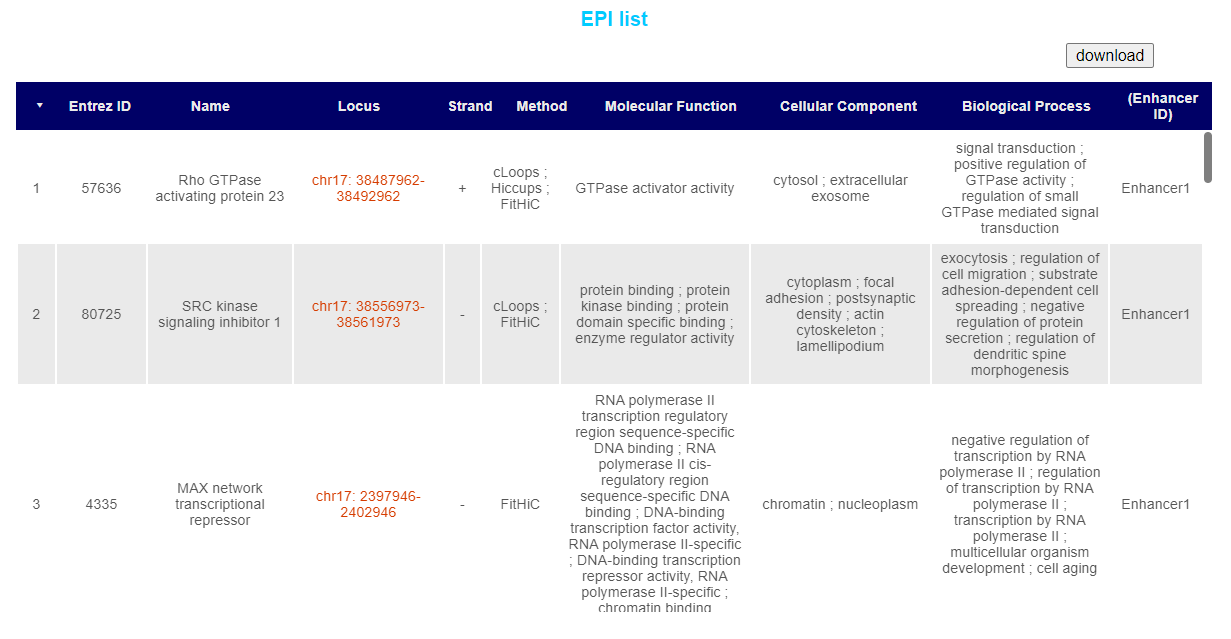
By default the list is sorted in the order of overall reliability of the EPI pair, and users can click on the column names to reorder them.
Users could download the whole list in csv format by clicking on the download button.
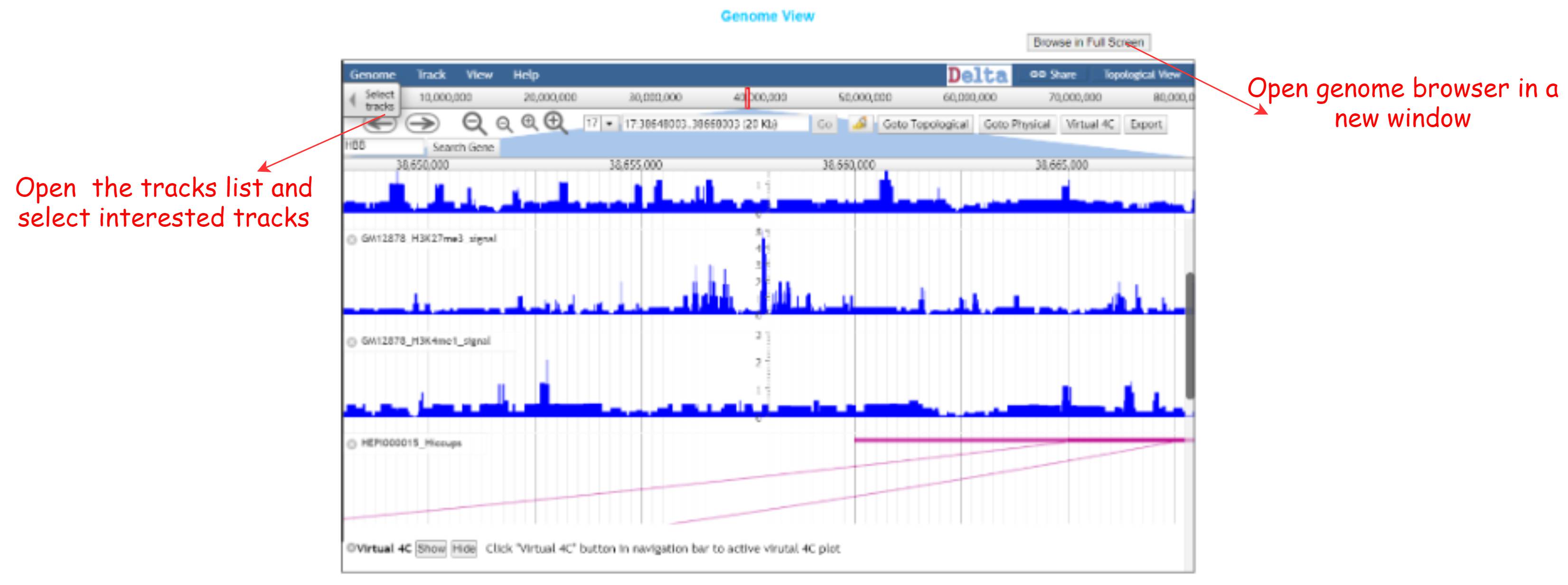
Genome Browser provide an easy access to delta Genome View function, where users could visualize the EPIs along with other genomic tracks to further observe the putative interactions.
By default the interactions called by different softwares for this particular entry(merged sample) will be displayed in arc, as well as the ChipSeq for the cell line this entry belongs to.
Users may customize the tracks being displayed using the tracks table, which will emerge after clicking on the select tracks button.
As is mentioned above, an research entry is a set of experiment samples that are obtained from the same research series, belonging to the same cell line, cultured and processed under the same experimental conditions.
To increase the resolution of contact matrix, therefore get more statistically significant interactions with lower bin size, it is actually a common method to pool Hi-C data from many replicates, and
do the calculation together. Before calling interactions, we meticulously reviewed the original paper as well as any additional materials and pooled samples into entries accordingly.
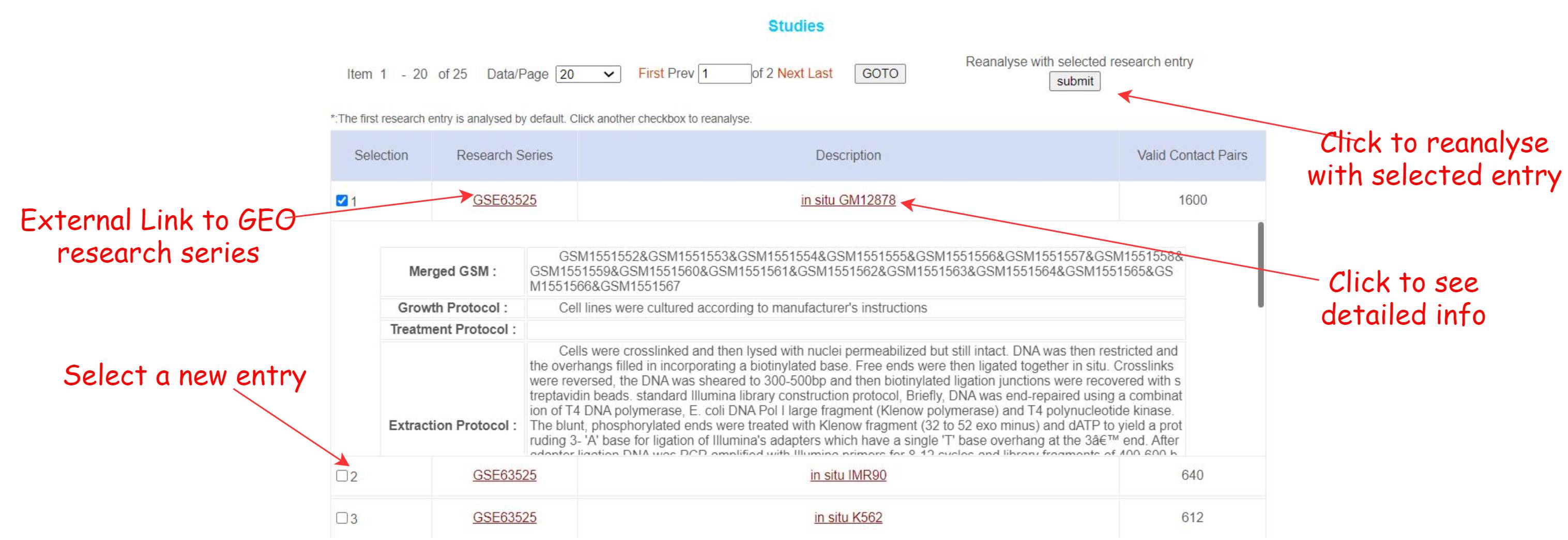
When users submit the interested locus to the server, all entries that meet the screening requirements will be listed in this table in the order of valid contacts. Only the first entry(with the most valid contacts) will be analysed by default.
Users may check the detailed information about this entry by clicking on the title to expand the protocols, or the GSE accession number to check out the whole research series on GEO.
To reanalyse users' search target with another entry, click the checkbox and submit your reanalysis request to the server. Seconds later the new results will be calculated, with an automatic refresh of the EPI table and Genome Browser.